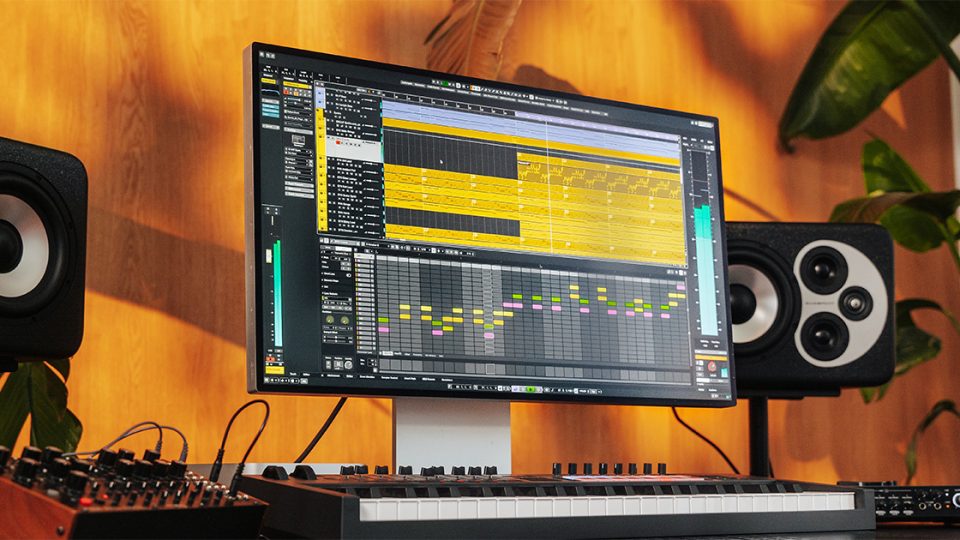
Cubase 15 Has Just Landed: So, can this DAW Still Compete?
While it’s not the first DAW, Cubase is seen by many as the granddaddy of DAWs. From its early version running on the Atari ST to this, its latest incarnation, Cubase has come a long way.
So, let’s take a good look at what Cubase 15 has to offer.
New Creative Tools
Cubase 15 arrives packed with a wealth of new features designed to spark inspiration and enhance every stage of the creative process. From the now obligatory Stem separation to a new step-based sequencer, Cubase 15 is offering some inspiring new built-in features. Let’s delve into everything that’s new….
Stem Separation

It seems Stem Separation is a given now for DAW upgrades, and it’s finally Cubase’ 15’s turn. Instantly split any audio file into vocals, drums, bass, and “other” stems without having to leave Cubase. Perfect for sample manipulation, remixing, or cleaning up a mix.
Omnivocal: Type-to-Sing Vocal Synth

One of Cubase 15’s most intriguing additions is Omnivocal, a text-to-voice vocal synth built on Yamaha’s renowned vocal synthesis technology. While FL Studio features a crude text-to-vocal tool this is the first time a realistic vocal synthesiser capable of replicating a singer (male or female) has been natively available in a DAW.
Midi notation is instantly transformed into a replicated human vocal where you can choose to type lyrics and hear your words sung back in an expressive and editable musical form.
Melodic Pattern Sequencer

Pattern sequencers seem to be all the rage currently so this new addition will be a welcome addition to many users. Cubase 15’s brand-new Melodic Pattern Sequencer is a dynamic step-based tool for crafting evolving melodies and rhythmic motifs. Think old Roland TR808 style programming. It can be used as a smarter arpeggiator, helping you generate ideas fast that lock to your project’s scale and integrate tightly with MIDI and instrument tracks.
Writing Room Synths

Cubase’s new Writing Room VST synthesiser features a collection of lightweight, studio-inspired instruments designed for speedy composition where fast inspiration is key. Writing Room emulates a range of iconic, mainly analogue synths with an emphasis on keeping things simple with a clean, intuitive interface.
Six New Modulators
Six new standalone Modulator Plugins bring modulation to life with a UI that displays the modulation waveform movement in real time. Including modulation shapes, from LFOs to envelope followers, the intuitive display makes it easier to see and shape movement in your sound design.
Expression Maps Revamped

Expression Maps now offer even deeper articulation control. They allow composers to manage complex performances such as orchestral arrangements, with unprecedented realism. You can assign multiple articulations, morph between them, and even automate expression curves directly in the Key Editor.
Ultra Shaper

This brand-new tool combines compressor, EQ, and transient shaping into one powerful dynamics processor. It’s a great all-in-one plugin for shaping everything from drums to guitar in a single streamlined interface.
Pitch Shifter
A new Pitch Shifter plug-in gives users high-quality real-time pitch processing for creative tuning, harmonisation, or even robotic vocal effects.
Content Explosion
As well as brand new tools Cubase 15 also ships with a considerable content update for its existing features:
- 40 new kits for the Groove Agent drum machine
- 5 GB of new sample based song-starter packs
- 30 fresh chord packs for fresh new harmonic inspiration
For a full walkthrough of all the new tools and to see them in action, check out the demonstration video below.
Workflow and Performance Enhancements
Alongside its powerful new creative and expressive tools, Cubase 15 also delivers major improvements to workflow. Inspired by customer feedback, Cubase 15 attempts to make the entire music-making experience smoother, faster, and more adaptable than ever before.
Redesigned Hub
The Cubase Hub, which is its project management interface, has been substantially redesigned to improve startup flow. It now offers quicker access to recent projects, faster template browsing, and live previewing of song demos.
Quick Export Access
And while starting a project has been made easier, so has exporting your tracks and ideas. Exporting stems, mixes, and masters is faster than ever thanks to new quick-access export controls. These are now built directly into the transport and toolbar areas, meaning no more opening up menus.
Automation Upgrades
Automation is also a lot smoother in Cubase 15. You can finally view and adjust volume and pan directly on the Track Control Panel, and automation curves feel more fluid with improved drawing and editing precision.
Plugin Scaling and Zoom
To make more efficient use of your workspace, Cubase 15 now supports plugin scaling for all its native plugins. You can now choose the size of every plugin window for your screen setup. Combine that with effortless pinch-zooming across Cubase’s editors and you’ve got a DAW that feels much more modern, ergonomic and touch-friendly,
New DAWproject Format
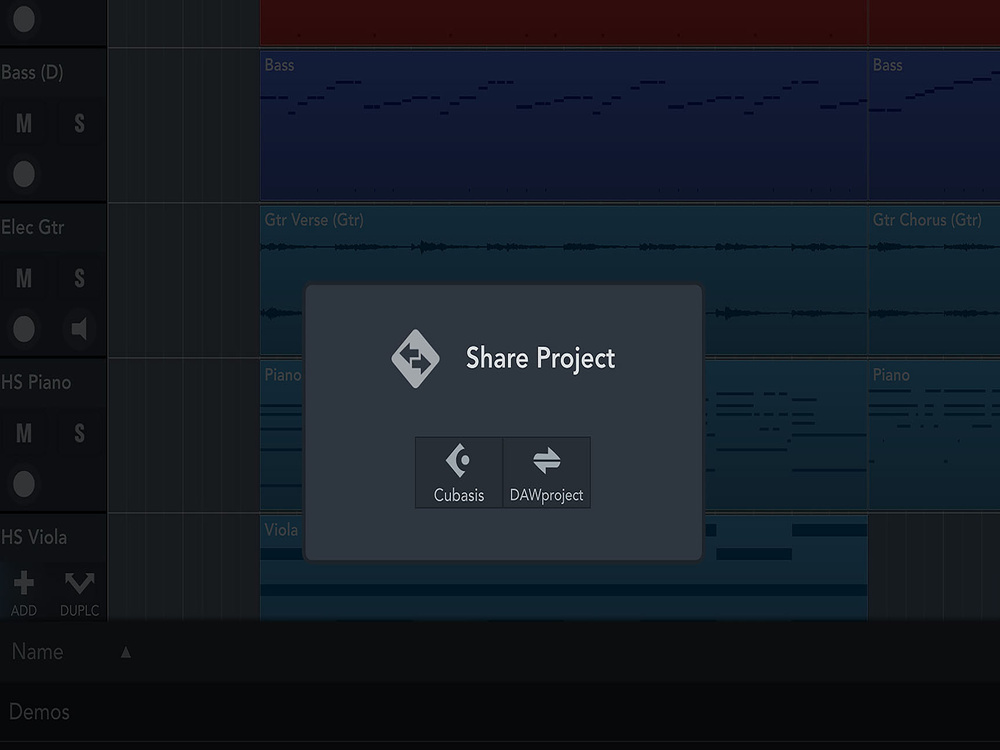
Cubase 15 now supports the new DAWproject file format. This handy new format allows seamless collaboration between Cubase and other supported DAWs. So far Bitwig and Studio One are the only DAW’s to support the DAWproject file format but hopefully with Cubase joining the party other big playa’s will follow. This format allows you to share entire sessions, including instruments, automation, and plugin settings, without messy and time-consuming conversions.
Mac OS Full Screen
For some reason, it has taken Cubase up to version 15 before adding this pretty basic option, allowing Mac users to maximise their workspace to full-screen mode. A small but surely welcome addition to the non-PC brigade.
Summary
With the release of Cubase 15, Steinberg is firmly asserting its position in the ongoing DAW wars. Already a popular and well-established choice, these new creative tools and workflow enhancements will keep longtime users satisfied while also giving producers on other platforms a reason to take notice.
As pioneers in music production software, Steinberg continues to demonstrate their commitment to acknowledging user feedback and making improvements based on those findings. Features like Omnivocal, stem separation, Melodic Pattern Sequencer and the redesigned UI show that they’re focused on both cutting-edge functionality and an intuitive, uncluttered user experience.
Whether you’re composing, producing, mixing, or beatmaking, Cubase 15 proves once again that it’s a versatile, all-around DAW that sets the benchmark for professional music production.
Pricing and Availability
Cubase 15 is available now in three editions:
- Cubase Pro 15 – £475 + VAT
- Cubase Artist 15 – £270 + VAT
- Cubase Elements 15 – £85 + VAT
If you activated Cubase Pro, Artist, or Elements 14 (or an earlier version) on or after October 8, 2025, you’re eligible for a free upgrade to Cubase 15.
For full pricing, upgrade details, and download options, head to the official Steinberg website.
And if you are looking for Beats or Samples for your next project then RouteNote Create has you covered. sign-up now and take your music to the next level