New Ableton Live extension expands drum stem separation possibilities
When Ableton released the Beta version of Extensions SDK in June, it unlocked a whole new level of customisation for Live. With a little help from AI, users can now build their own features, automate repetitive tasks, and create workflow hacks that were previously unavailable. If coding isn’t your thing, there’s no need to fret. A growing community of developers are already creating powerful extensions that anyone can install and use. One of the latest comes from Side Brain and if you’re a stem separation fan it’s well worth a closer look.
Drum Stem Separation – And Beyond!
When Ableton Live 12.3 arrived in late 2025, it introduced native stem separation, a feature that had been high on many users’ wish lists. While the addition was a welcome one, like most DAWs, Live’s built-in solution is limited to four stems: Vocals, Drums, Bass, and Other. More detailed separation has been possible through various online tools, but that usually means exporting audio, uploading it to a third-party service, and then importing the results back into your project.
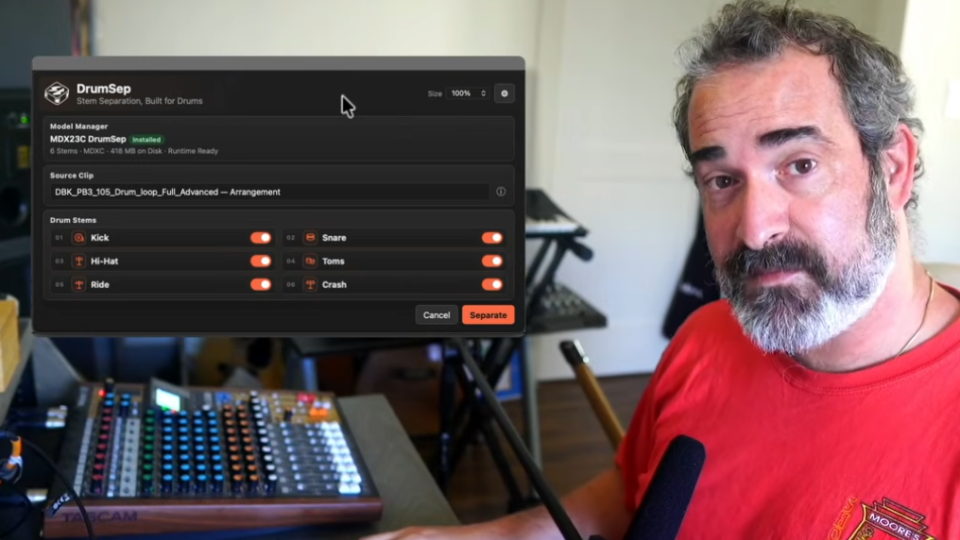
Side Brain has solved that problem by integrating the powerful MDX23C Drum Separator directly into Ableton Live as an extension. The result is DrumSep, a tool that brings detailed drum separation into your session without interrupting your workflow.
Rather than isolating a single drum stem, DrumSep can split a drum track into its individual components, including Kick, Snare, Hi-Hat, Toms, Ride, and Crash. The interface is clean and thoughtfully designed, with several workflow-friendly features built in. From the main window, you can simply choose which drum elements you want to extract, while the settings panel offers additional customisation options such as processing quality, file naming templates, automatically muting the source track after separation, assigning the same or different colours to the new tracks, and choosing whether the resulting stems remain warped or unwarped.
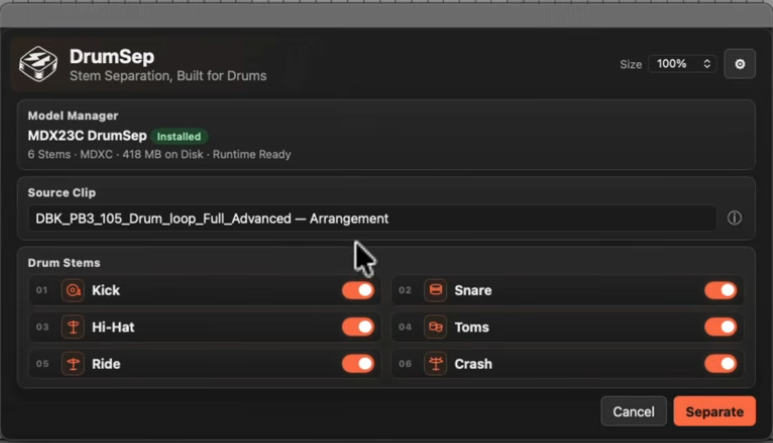
Once you’ve configured your settings, a single click on Separate starts the process. DrumSep performs all processing locally using your computer’s CPU, so processing times will vary depending on your system’s performance. When it’s finished, each extracted drum element is placed onto its own track, mirroring Ableton’s native stem separation workflow and leaving everything neatly organised and ready for editing, mixing, or sampling.
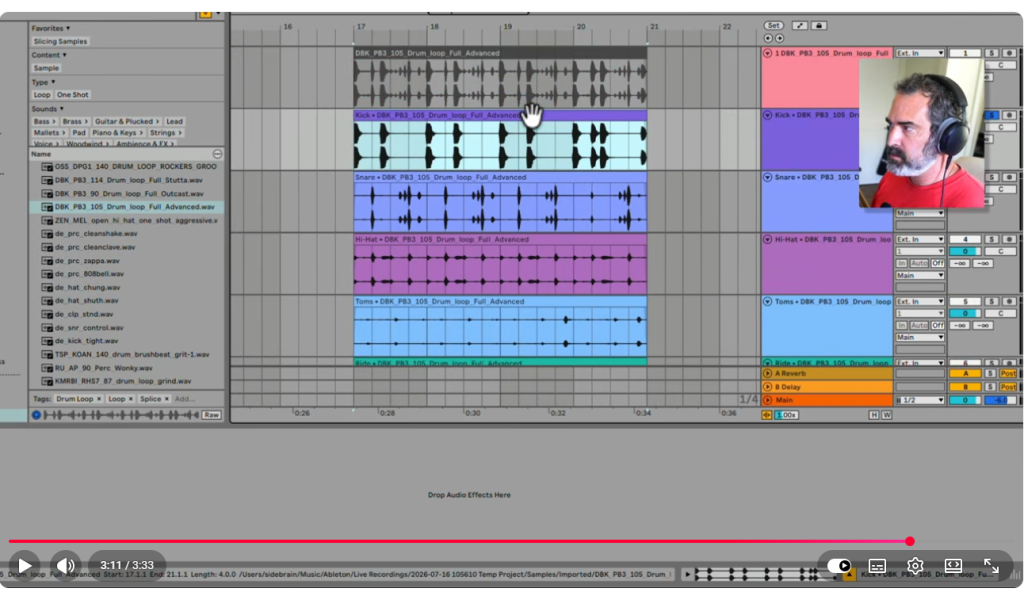
To see DrumSep in action and explore everything it has to offer, check out the video below.
DrumSep can be downloaded here from their Gumtree page. You have the option to name a fair price so
Stop risking your channel’s revenue and momentum on a flawed system.
RouteNote Licensing guarantees that the music you license is protected from Content ID claims, allowing you to focus on what you do best: creating great content.
Click Here to Start Your Claim-Safe Journey Today!