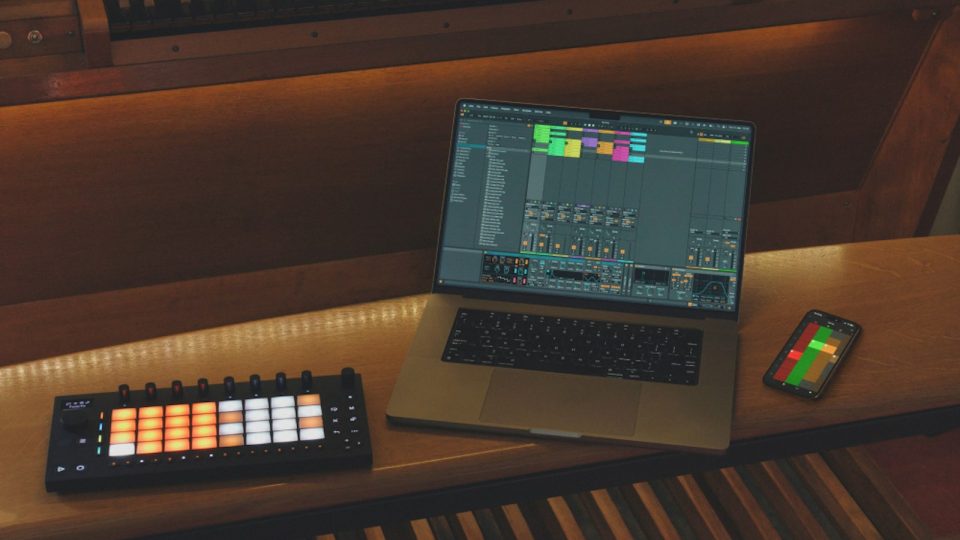
Ableton Live 12.4 is Here: Link Audio, Smarter Stems, and Revamped Devices
All Live 12 users have just been given a massive free update. Usually “point updates” just focus on minor tweaks and bug fixes, 12.4 brings the heat with some serious workflow enhancements, new networked audio capabilities, along with some revamped classic effects!
Let’s look at the biggest new features in Ableton Live 12.4.
Link Audio
Ableton Link has been the go-to for syncing projects for years now, but 12.4 takes it up a notch with Link Audio.
Streaming high-quality audio in real time between compatible devices over a local network (wired LAN or Wi-Fi) is now possible!
- No cables or interfaces: Multi-channel audio can be sent from Move and Note to Live or Push Standalone – and in Live and on Push, audio from other players appears directly as an input.
- Automatic Latency Compensation: Live handles the sync behind the scenes, so you don’t have to manually nudge audio to get it on beat
Perfect for jamming with friends in the same room, and routing audio from your phone/tablet directly into your main studio session.
Improved Stem Separation
When stem separation appeared for the first time in 12.3, it instantly changed the sampling game. The 12.4 update makes it significantly more flexible and efficient:
- Process by Selection: Instead of rendering an entire audio file to extract a 4-bar drum loop, you can now process by a specific time selection, saving massive amounts of time and CPU usage.
- Merge Stems: Want to strip the vocals out of a sample but keep the drums, bass, and melody glued together? You can now merge your selected stems directly onto a single track, rather than generating four individual tracks every time you separate a file.
Updated Classic Effects
Some of the oldest and most relied upon audio effects got a new lick of paint along with some powerful new features:
- Erosion: This classic has undergone a complete revamp. New features include a real-time spectrum visualizer, mono and stereo noise options, and a continuous blend control between sine and noise modulation. They also dropped the internal latency from 5ms to 2ms
- Chorus-Ensemble: You now have greater control over delay time and structure.
- Delay: Modulation upgrades with new LFO time modes and waveforms
- Wavetable: Now supports up to 16 voices.
Hardware Updates
12.4 is a huge win if you use devices in Ableton’s hardware ecosystem:
- Push (Standalone): Link Audio is now supported. On-device ability to create/edit custom MIDI mappings. Deeper and expanded control of Max for Live devices on the Push screen.
- Move & Note 2.0: A huge firmware update! Move now supports audio tracks, Link Audio, sample imports from the library, and direct recording via mic or line-in. It also inherits two devices straight from Live: Auto Shift and the newly updated Erosion.
“Help” becomes “Learn”
Learn View is replacing the old Help feature, offering interactive, guided learning experiences directly inside the DAW. Expect to see Picture-in-Picture videos, written explanations, and progress tracking. It’s shaping up to be a super handy resource for both total beginners and seasoned pros, looking for a certain feature without having to leave your Ableton session to seek out a YouTube video.
Availability
Ableton Live 12.4 is available now as a free download for all Live 12 license holders. You can get a licence for Live directly thought the Ableton website.
Remember – RouteNote Create subscriptions start from as little as $2.99.
You can also purchase full sample packs, beats and plugins without a subscription